

"This is impossible." The AI as a mentor, not a coder
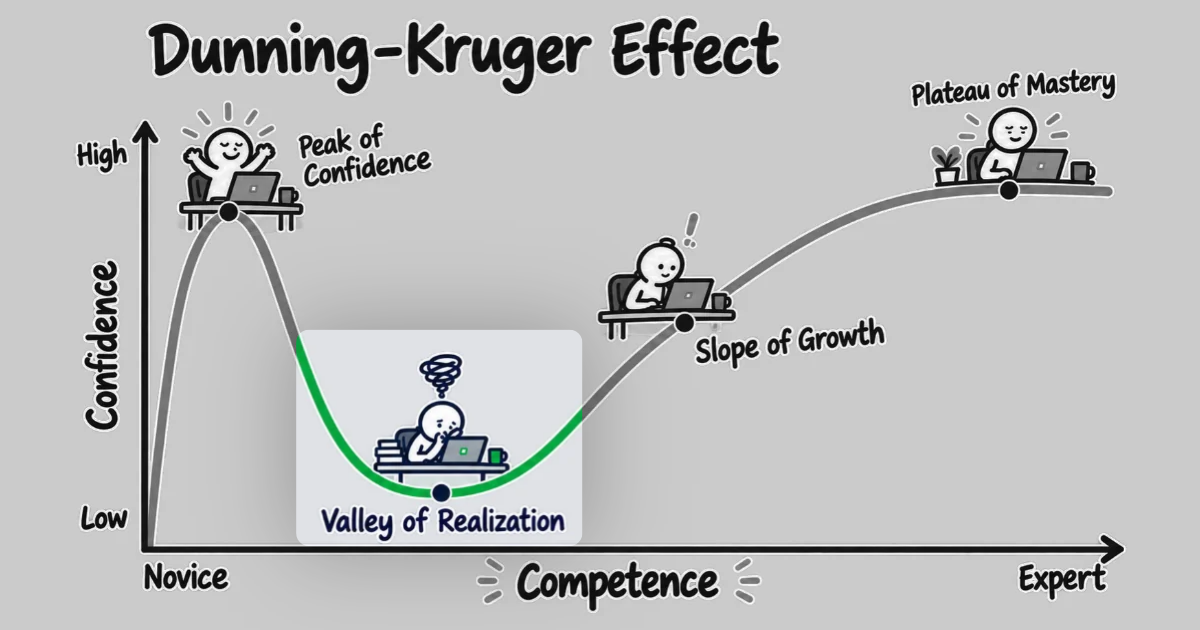
Part 3 of 5. The Valley of Realization is where a change needs more than the AI's explanation can give you. It's also where real understanding gets built, if the AI teaches and you write the code.
This series follows one week I spent on one ticket, in a system I'd never seen before. On the first day, I had Claude Code read the part of the codebase the ticket touched and explain it to me, and within minutes I felt like I understood it. Part 2 covers that first day.
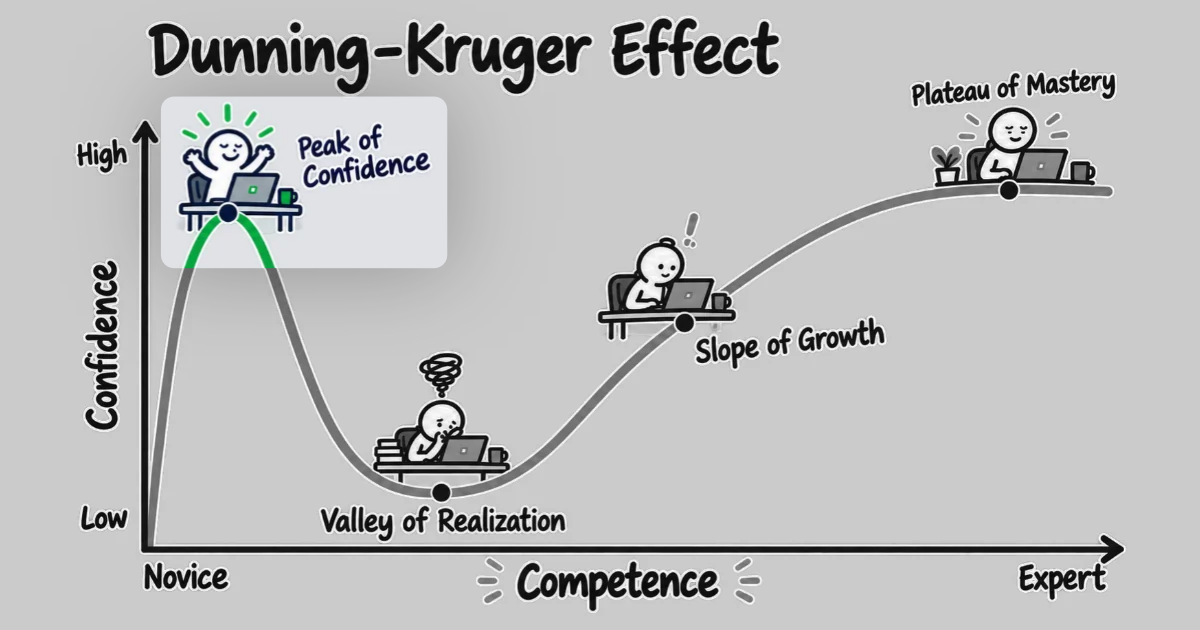
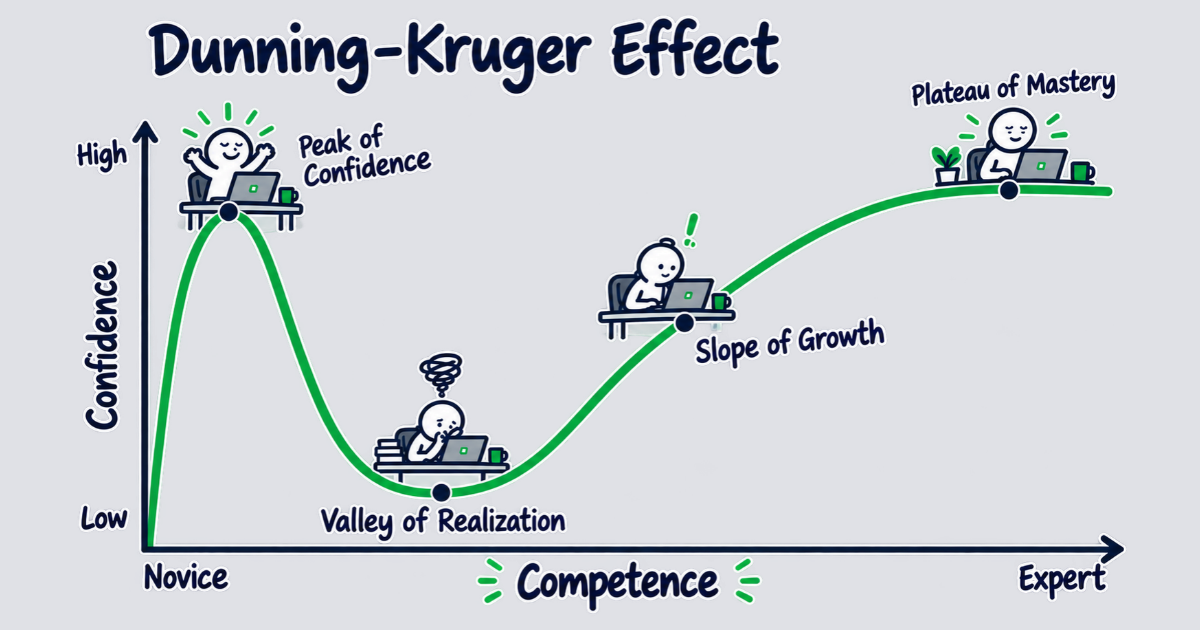
Once I started on the change itself, that explanation stopped being enough. The change ran through code I'd read about and never opened, and every time I tried to reason about that code, I hit a question the explanation didn't answer. I could ask Claude to make the change, the way I had on the first day. What I couldn't do was tell whether the change it proposed was right. I quickly fell from the Peak of Confidence into the Valley of Realization, where "this is easy" turned into "this is impossible."
The peak and the valley are two stretches of the confidence curve often labeled "Dunning-Kruger," and research on code comprehension explains why the fall comes where it does. Pennington showed that you build a model of unfamiliar code in layers, starting with control flow: what calls what, in what order. A fast explanation gives you that first layer and a fluent description of the rest. However, you don't learn the data flow and the goals by reading about them. You learn them by working in the code, and the AI can help with that work—but, as a mentor rather than the one doing it.
Guided beats unguarded
Two randomized trials, in two different subjects, show the difference between an AI that teaches and one that does the work for you.
In a trial published in PNAS, researchers gave nearly a thousand high-school students one of two versions of GPT-4 for math practice: an unguarded chatbot, or the same model prompted to give hints instead of answers. Both groups did better during practice. Then the AI was taken away for an exam. The students who'd had the unguarded chatbot scored 17% below students who never had AI at all, while the students who'd had the hints version showed no deficit.
In a Harvard physics course, researchers compared a tutor built with step-by-step scaffolds, designed to keep it from handing over the answer, against an instructor-led active-learning classroom. Across 194 students, median learning gains with the tutor were over double the classroom's.
Coding points the same way. In Anthropic's study of engineers learning a new library, the engineers who used the AI to ask conceptual questions scored well on the comprehension quiz, and the ones who delegated the code generation scored worst. The harm concentrates in delegation, not in AI use as such: novices given a code generator in another study kept their manual coding skills, for example.
Psychologists Wood, Bruner and Ross named this kind of help in 1976. They called it scaffolding: support that holds a learner up while they do the work, and comes down once they no longer need it. The hints tutor is scaffolding. The answer-giving chatbot is a substitute that does the work for the learner, and when it's taken away—as it was for the math exam—the learner can't do the work alone.
When you find yourself in the Valley of Realization, then, let the AI be your tutor. Let it explain, set the pace, and ask you questions. And then write the code yourself.
Work through the valley one step at a time
A tutor doesn't hand you the whole lesson at once. It gives you one small piece, waits while you work through it, and only then moves on. In the Valley of Realization, that means breaking the change into steps small enough for you to do the work yourself, balanced against being large enough that each one adds to your understanding of why the code does what it does.
Start by reading. Ask the AI to walk you through the path the change takes, one step at a time: a handful of lines, what happens there, and where control goes next. Stop at each step and ask about the code. For example, "what does this line actually do?", "how does this call affect that output?", or "why does the code do XYZ here instead of in the caller?" Move on only when you could explain the step in front of you.
Then, make the needed changes.
And yes, you can let the AI handle the routine parts of the change for you. However, you need to direct it to leave the real decisions for you to write: the error handling, the data structure, the business rule with more than one right answer, etc. You can still ask the AI for help while you write them: suggestions, the trade-offs between two approaches, or what the rest of the code expects at that point. Input like that informs your decisions and the code you write. Having the AI write those lines for you defeats the entire purpose of doing the work yourself, though.
When you're ready to move on to the next step, ask the AI to review the changes you made.
Working this way is slower than the first day, and slower than asking for the whole change. It's supposed to be. Each step where you read the code and make the changes yourself adds to your mental model of the code structure and data flow, while working toward the current change goals.
Pitfalls in the valley
That slow pace can feel even slower than it really is when you know you have the AI right there, able to make the entire change for you in a minute or two. Taking that easy way out gets you back to the speed of the first day, temporarily. But it's one of several pitfalls that will only lead deeper into the valley instead of helping you climb out. Each of the pitfalls below is a version of that trade.
- Letting it write the code anyway. The valley is where delegation costs the most. Working in the code is the only way to learn the code structure and data flow, and delegating hands that work to the AI. If the AI writes the change and you review it, you've only reviewed a change without thinking through why the change was made in that manner. If you write the change and ask the AI to review it, though, you've greatly improved your chances to learn the system, make meaningful decisions, and walk away with a real understanding of the code structure and data flow.
- Asking for the answer instead of the next step. The hints version of the tutor in the math trial worked because it withheld the answer. The students still had to work each problem themselves. Questions like "what should I look at next?" or "why is this here?" get you the help you need while leaving the thinking to you. "Fix it" asks for the answer, and you walk away with a change you never reasoned through.
- Skipping the reading because the first day's explanation already covered it. That explanation covered the control flow: what calls what, and in what order. The feeling that it covered more is the illusion of explanatory depth that part 2 describes, where people rate their understanding highly, until they have to explain the thing step by step. Reading the code one step at a time is how you find what the explanation left out and learn the real depth of the code. If you can't explain a step without looking, you may not have finished reading or understanding it yet.
Compared to the first day, the valley can feel like lost ground. It isn't. What you had on the first day was the feeling of understanding, built on an explanation you may not have checked or thoroughly investigated to know the truth of the code. The slow work in the valley is where you start building a real understanding of the code structure and data flow, even when it doesn't feel like progress.
The tooling that hands the next piece back to you
You can work this way with any AI tool, by asking for it. Some tools are built for this pace, though. At the Peak of Confidence, a tool that writes a thorough overview is the help you need. In the valley you want the opposite: tools that stop and wait for you. Han, an open-source set of Claude Code skills, has two built for this.
- /code-walkthrough walks you through the code one step at a time, starting at the entry point and following the flow, and stops after every step. Point it at a ticket, and it walks the path that ticket takes through the system.
- /pairing wraps the skills that write code, such as
/tddand/refactor, so they hand each piece back for your review before starting the next.
Outside Han, Claude Code's Learning output style asks you to write some of the code yourself. Switch to it with /output-style learning.
Climbing out of the valley
The sign that you're leaving the valley is quiet. At some point you'll read one of the AI's explanations and check it against the code without being told where to look, because you already know where to look. That's when you know you understand the code structure and data flow well enough to vouch for the explanation.
From there, the AI can slowly go back to doing the heavy lifting, and part 4 is about why that's now safe: every claim it makes lands on code you've already opened, reviewed, and understood.
River Lynn Bailey is a Senior Software Consultant at Test Double, and has extensive experience in AI coding tools and delivery, built on a career of delivering quality software solutions