

"I'm starting to get this." Back to baseline with the AI helping a lot
Part 4 of 5. On the Slope of Growth, the AI goes back to doing the heavy lifting. That's safe now, because you can check every claim it makes against code you can open, and then write down what you checked.
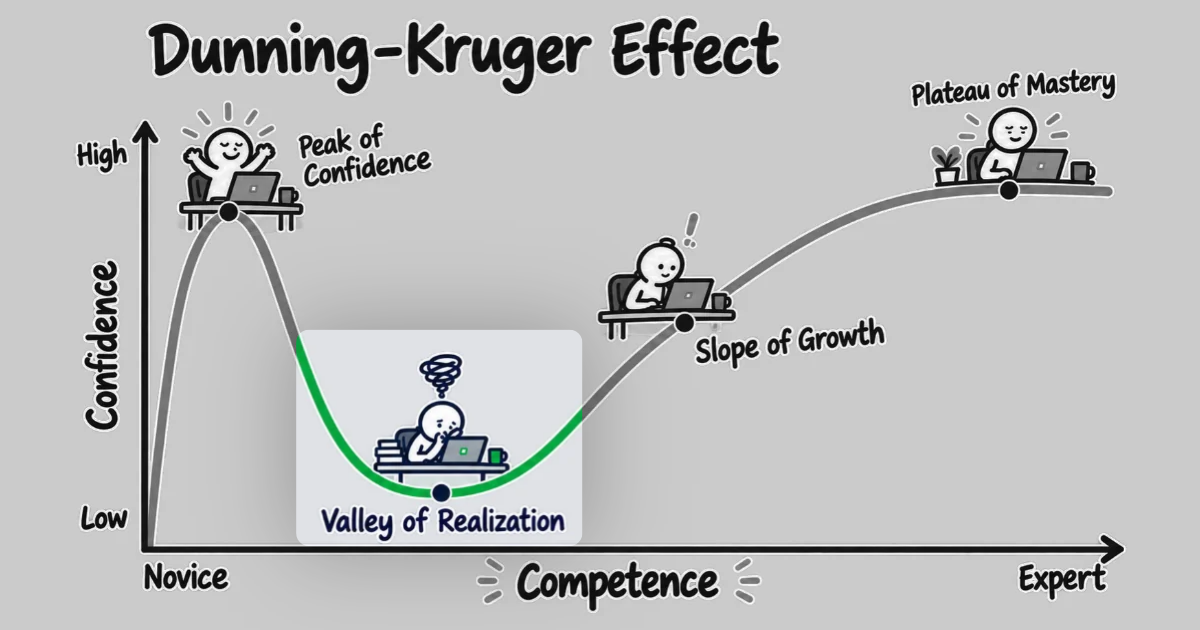
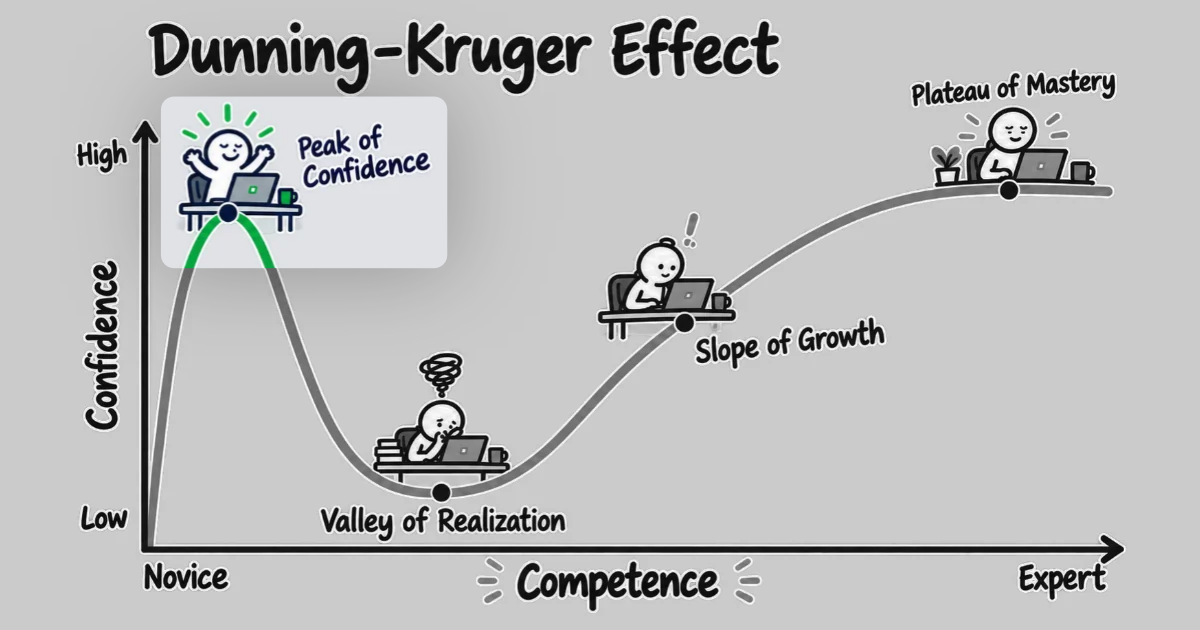
This series follows what happened to me during one week of effort on a single work ticket, in a system I'd never seen before. On the first day, Claude Code explained the code the ticket touched, and I felt like I understood it. Once I started on the change, that explanation stopped being enough, and I fell from the Peak of Confidence into the Valley of Realization. I spent the middle of the week working through the change one step at a time, with Claude as a mentor while I wrote the code myself.
Late in the week, the ticket started moving again. Not at the speed of the first day, but at something close to my normal pace, and with Claude doing a lot of the work again. The difference wasn't in tooling, though. When Claude told me something about the system, I knew where to look to see whether it was true.
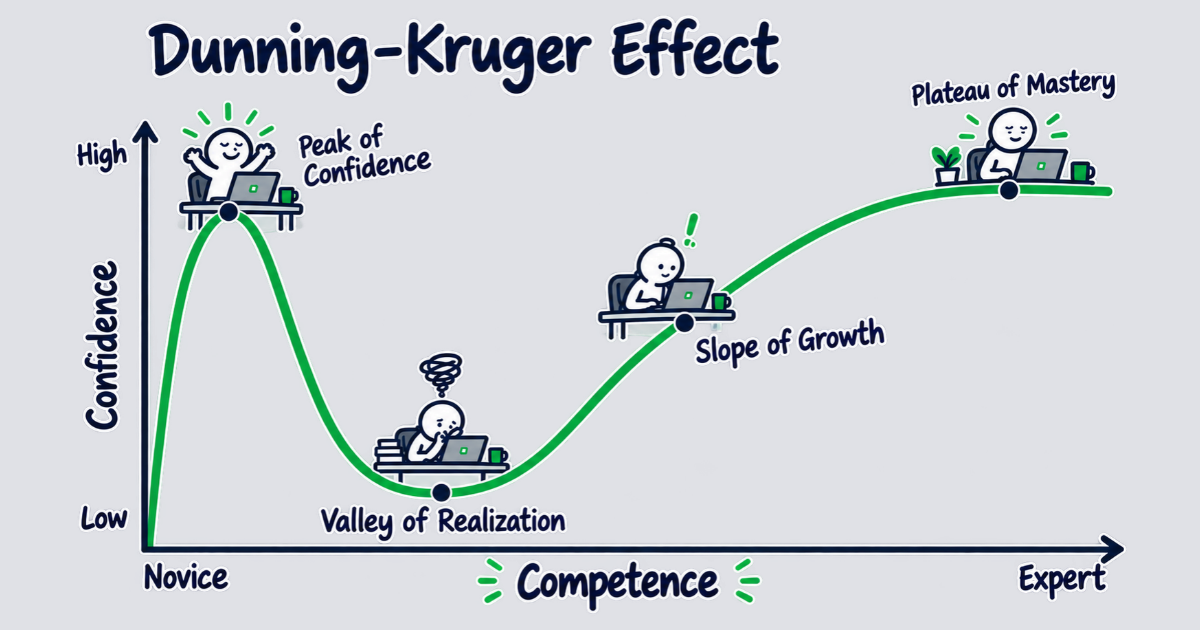
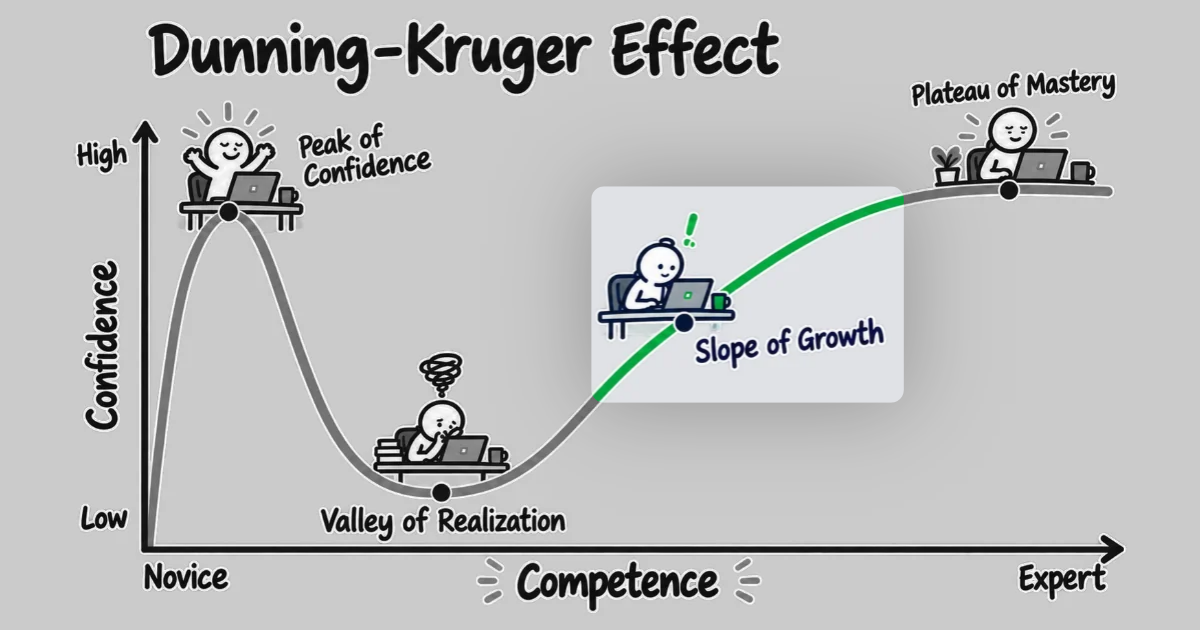
Getting back to your normal pace of development is the Slope of Growth, the stretch of the confidence curve often labeled "Dunning-Kruger" that climbs out of the valley. The feeling to look for is "I'm starting to get this." What gets you there is a habit: checking what the AI tells you against the code before you rely on it.
The verification loop is the habit that carries you
The habit to build has a name in the research: a verification loop. In a study by Qiao and colleagues, fifteen graduate students implemented features in an existing codebase, with and without GitHub Copilot. With Copilot, the students finished the features faster and with fewer errors. But Copilot didn't help them understand the codebase any better: on the comprehension tests, the students scored the same with Copilot as without it.
What separated the students who understood the code from the ones who didn't was not the tooling itself, but how they used it. Verification loops, where the student stopped to review the generated code, predicted comprehension almost perfectly. Students who understood the code best reviewed what Copilot wrote nearly five times as often as the students who understood it least.
Anthropic's study of engineers learning a new library points the same way. The engineers who used AI scored 50% on a comprehension quiz, against 67% for those who coded by hand. Among the AI users, the ones who asked the assistant conceptual questions, or asked it to explain the code it generated, averaged 65% or higher on the quiz. The ones who allowed the AI tooling to write the code averaged under 40%. In both studies, the people who built an understanding of the code were the ones who questioned and reviewed what the AI produced, rather than handing it the work.
To work through the Slope of Growth, then, you need to check both the AI's explanations of existing code against the source, and the code it generated. That step is the most important one, and the easiest to forget or drop once the code is working. But it must be made into a habit: every time the AI makes a claim, open the file it names and confirm it.
Letting the AI do the heavy lifting again
Once that habit is in place, the pace can change. In the Valley of Realization, you stopped after every small step to review and ask questions. Now, on the Slope of Growth, you can let the AI tooling run a complete change, a full investigation, or an entire code review, then review the result the way you'd review any change. This is only possible when certain conditions are met, though:
- You understand the current code and concepts where the change will happen, because you've worked through it one step at a time
- You've worked your way out of the Valley of Realization, which means you can tell when the AI gets something wrong
- You know the system it's changing, and why the change is being made in that specific manner
And this means you can slowly work up to letting the AI write and analyze code at full speed again.
What keeps this safe is the habit of a verification loop combined with output that points at the code changes. A finding tied to a file and a line is one you can open and confirm. And verifying those changed files is fast now in a way it couldn't have been on the first day, because you know where to look. Knowing where to look took real work, and it's worth writing down for your own sake and for anyone else that needs to work on the code later.
Make it durable, so nobody pays twice
The first day's explanation may have lived in a scratch file, with everything you've learned since living in your head and/or a chat session. If it all stays there, the next person to touch this code pays the full cost of building that understanding again. And experience tells you that "the next person" might be you, months from now, after you've forgotten how the code works and why. Combine that with understanding how an AI model will likely explain the same code a little differently each time it's asked, and you've got a recipe for repeating work that's already been done, every few months.
To solve that problem, write the understanding into the repository or document management system, instead. And do so with the document grounded in the real source code, with both an explanation and with examples that point to the real code. Then reference it from CLAUDE.md or AGENTS.md, so every later session, human or agent, knows where it lives. Claude Code loads CLAUDE.md at the start of every session and expands @path imports into context. This means we have options for how and when Claude loads that information. A plain Markdown link is a pointer the session can follow when it needs to. But if you want the document in every session's context, import it with @docs/your-feature.md and it will be immediately loaded into context.
Writing and loading the document aren't enough on their own, though. As code changes, references in documentation become stale. And eventually, developers ignore the documentation because they know it's out of date. Check the document against the code, regularly, the same way you checked every other claim the AI made. Make corrections when you see something is off — and if you can, automate documentation updates via the AI tooling you have available. A correction made to a document in the repository is made for everyone who reads it later, human or AI.
Maintaining documentation also raises the team's bus factor: the number of people who'd have to leave before a project is in trouble. One way of measuring bus factor uses commit history to find the smallest group of developers who, between them, wrote most of the code. If they leave, no one left on the team has worked on it. Documentation keeps that knowledge from leaving with them. A document that's been checked against the code and referenced from a known location moves the understanding out of one person's head and into an artifact anyone can read and update.
Pitfalls on the slope
Unfortunately, lack of documentation is only one of the pitfalls you can run into when working your way up the Slope of Growth. Once the AI tooling is doing most of the work again, the speed may come back, but so does the temptation to stop checking the AI's claims or updating the documentation. Each of these pitfalls trades that work for speed.
- Dropping your newly built habits. In METR's trial, experienced open-source developers working in repositories they knew well felt 20% faster with AI, yet were measured 19% slower. The feeling of speed isn't evidence of speed, and the slope is where that feeling comes back. Don't let it convince you to stop checking the AI's claims against the code. That habit is what creates and maintains real speed, for you and for anyone else working in this code.
- Documenting from memory instead of from the source. Your memory of the system is the thing the document is supposed to check, not the other way around. Write documentation from the code and verify it against the code, or it risks carrying your misunderstanding forward to everyone who reads it.
- Not maintaining the documentation. Writing documentation is tedious at best, and it often feels like repeating what anyone could learn by reading the code. That feeling is a sign you're optimizing for yourself, today. You may know exactly how the code works, and why, in the moment. But what about a week from now, or a month from now? And what about the developer who's stepping into this code for the first time? Keep the documentation checked against the code and up to date, and automate the updates wherever you can.
Tools for the slope
Automating the documentation work is where tooling helps most on the slope. Han, an open-source set of Claude Code skills, has skills that write documentation from the source and keep it current.
/project-documentationwrites a document for a feature, system, or component by reading the code, and adds a reference to it inCLAUDE.mdorAGENTS.md. Run it again after the code changes, and it updates the existing document to match the current source./project-documentation-to-confluencedoes the same work and publishes the result to a Confluence page, for teams that keep their documentation there./architectural-decision-recordrecords a decision with its context, the alternatives that were rejected, and the reasons, in a form that outlives the people who made it./coding-standardcreates or updates the project's standards and conventions, so every later session and reader follows the same rules./edit-for-readabilityrewrites a document's prose so the main point comes first, while preserving every fact in it.
None of these skills replace the checking, though. A generated document is one more set of claims about the code, and it gets the same treatment as every other claim: open the files it names and confirm what it says. Every phase in this series has come down to those two steps, running the tool and verifying what it produced. The tooling makes the work fast and cheap. Verification is what makes it correct.
The skills aren't the workflow
On the Slope of Growth, the AI begins doing most of the work again. Unlike the first day of coding in the Peak of Confidence, the AI tooling can now handle these tasks because you've already taken the time to build your understanding, and ensure it's written down and maintained. This makes it easier for you to see when the AI tooling is doing something wrong, because you have a solid mental model of how the code works and what the changes should look like.
Part 5 moves beyond the Slope of Growth, and into the Plateau of Mastery. Here, the AI moves from only doing the tedious or baseline work and begins to shape the changes that will be made. The habits and processes that got you to this point don't go away, though. Instead, they change shape before they start getting in the way.
River Lynn Bailey is a Senior Software Consultant at Test Double, and has extensive experience in AI coding tools and delivery, built on a career of delivering quality software solutions